 3Sixty Studio
3Sixty Studio Documentation
3Sixty Studio turns panoramic photos into interactive 360° virtual tours. You add panoramas, place hotspots, pin rooms on a tour map, build walkable 3D scenes, and export the result as a website you can host anywhere. This documentation covers every part of the app, version 2.1.
What you can build
A 3Sixty Studio tour is a normal website: one index.html file plus folders of media. Visitors only need a web browser on a phone, tablet or computer. Inside the tour they can:
- Look around 360° panoramas by dragging, or with the mouse in Mouse Look mode on desktop.
- Click hotspots to jump to another panorama, view an image, play a video or audio clip, read a PDF, open a web page, or run your own JavaScript.
- Open a tour map (floor plan or site map) and jump straight to any pinned panorama.
- Browse a panorama list with a thumbnail of every panorama.
- Walk through 3D scenes in first person, with collisions, gravity, jumping, clickable objects, trigger zones and animated objects.
- View your own Custom HTML pages inside a pop-up window.
How it works in four steps
- Add your panoramas. Import equirectangular 360° photos (PNG or JPEG) into the Panoramas section.
- Place hotspots. Drop hotspots on each panorama, pick an icon and choose one or more actions.
- Preview with Run. The Run button builds the tour and opens it inside the app.
- Export and publish. Export a ZIP and upload its contents to any web host.
Platforms
| Platform | Requirements | Notes |
|---|---|---|
| Windows | Windows 10 or later, 64-bit | Projects can live in any folder. Ad banner can be switched off with Ciihuy Coins. |
| Mac | macOS 11 or later, Apple silicon and Intel | Same features as Windows. |
| Android | Phones and tablets, from Google Play | Projects are stored in the app's own folder. Shows an AdMob banner. |
| iPhone and iPad | Coming soon | The iOS version is on its way to the App Store and will have no ads. |
All platforms use the same project format, so you can start a tour on your phone and finish it on your computer. See Moving a project between devices.
The app at a glance
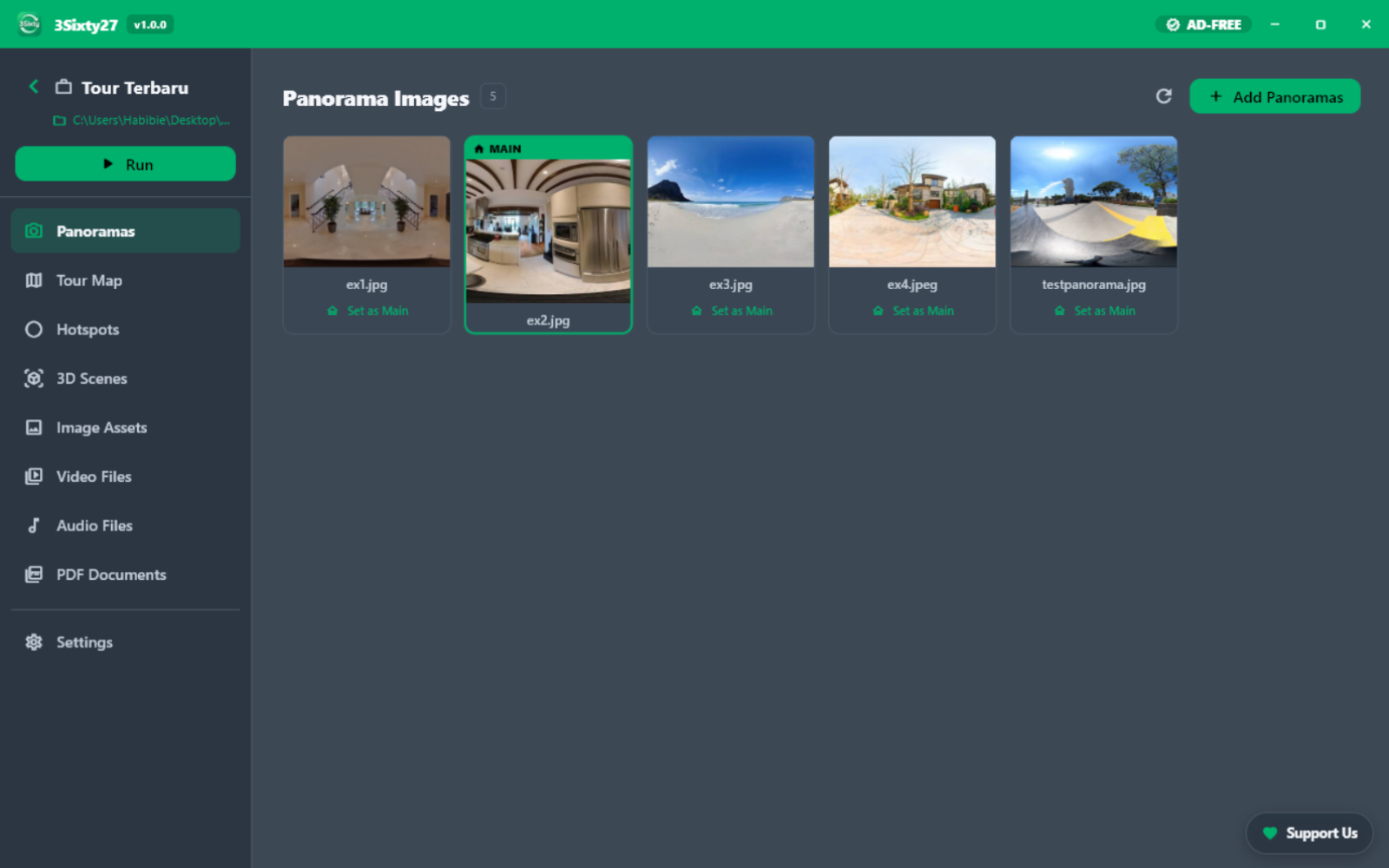
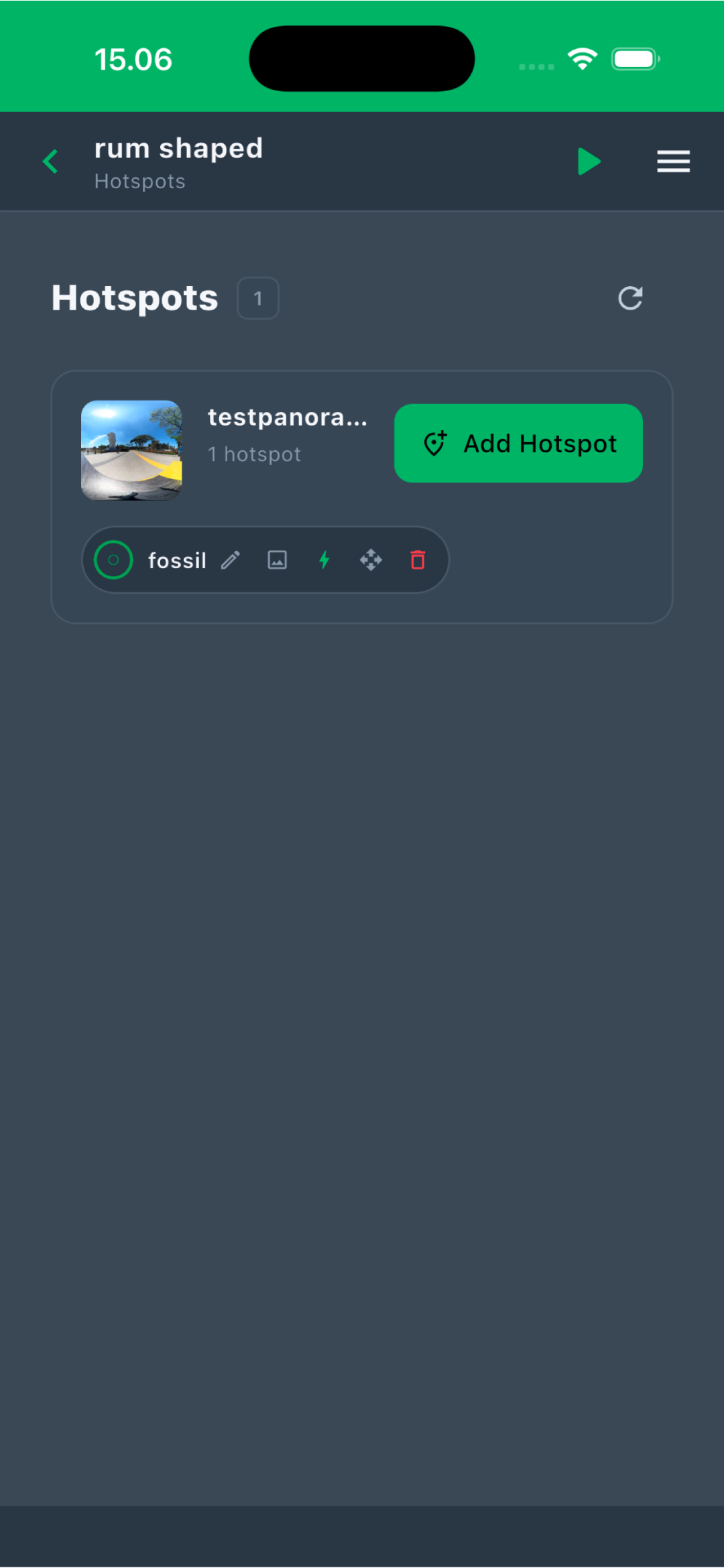
About this documentation
This guide describes 3Sixty Studio version 2.1.0 (build 12), developed by Habibie and published by CiihuyCom. Labels in bold match the text you see in the app. Where the app behaves differently on desktop (Windows, Mac) and mobile (Android, iOS), the difference is called out.